
Benutzerfreundlich
• Vollständig drahtlos, kein zusätzlicher WiFi-Router für
die Tablet-Steuerung erforderlich.
• Einfach und intuitiv bedienbare WebbrowserSchnittstelle für die Einrichtung, Konfiguration,
Steuerung und Lizenzierung des Systems.
• Unterstützung für Kamerasteuerung
• Reichweitentestfunktion, um sicherzustellen, dass
sich alle Drahtlose Einheiten innerhalb der Reichweite
befinden, unabhängig von der ausgewählten WiFiFrequenz.
• Remote-Schnittstelle für die Verwendung von API zur
Steuerung von Mikrofonen und Kamerasystemen von
Drittparteien.
Störungsfrei
• Nahtlose automatische
Drahtlosfrequenzkanalumschaltung.
• Betrieb mit den (lizenzfreien) Frequenzen:
– 2,4 GHz
– 5 GHz (UNII‑1, UNII‑2, UNII‑2 erweitert und
UNII‑3)
• Packet Loss Concealment (Maskierung von
Datenpaketverlust) zum Abdecken der Auswirkungen
von verlorenen oder verworfenen Paketen.
Standard-WiFi
• Sichtbarkeit in der IT-Infrastruktur
• Koexistenz mit anderen WiFi-Netzwerken

Bosch DICENTIS DCNM-WAP wireless-Access-Point und Zentrale
€150,00 Unverbindlicher Tages - Netto - Mietpreiß zur Orientierung bitte über den Warenkorb unverbindliches Angebot anfordern
| Gewicht | 2,051 kg |
|---|---|
| Maße | 32,5 × 28,5 × 13 cm |
Ähnliche Produkte
-

Bosch DICENTIS wireless DCNM-WDE drahtlose Diskussionseinheit mit Touchscreen
€50,00 Unverbindlicher Tages - Netto - Mietpreiß zur Orientierung bitte über den Warenkorb unverbindliches Angebot anfordern -
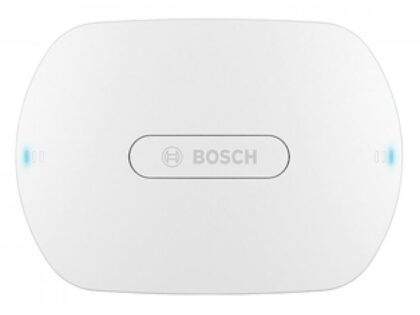
Bosch DICENTIS wireless DCNM-WAP wireless-Access-Point und Zentrale
€150,00 Unverbindlicher Tages - Netto - Mietpreiß zur Orientierung bitte über den Warenkorb unverbindliches Angebot anfordern -
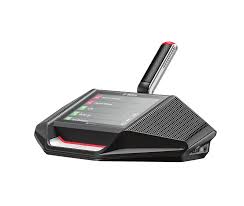
Bosch DICENTIS wireless DCNM-WDE drahtlose Diskussionseinheit mit Touchscreen
€70,00 Unverbindlicher Tages - Netto - Mietpreiß zur Orientierung bitte über den Warenkorb unverbindliches Angebot anfordern